Android • On-device translation
Translate any screen
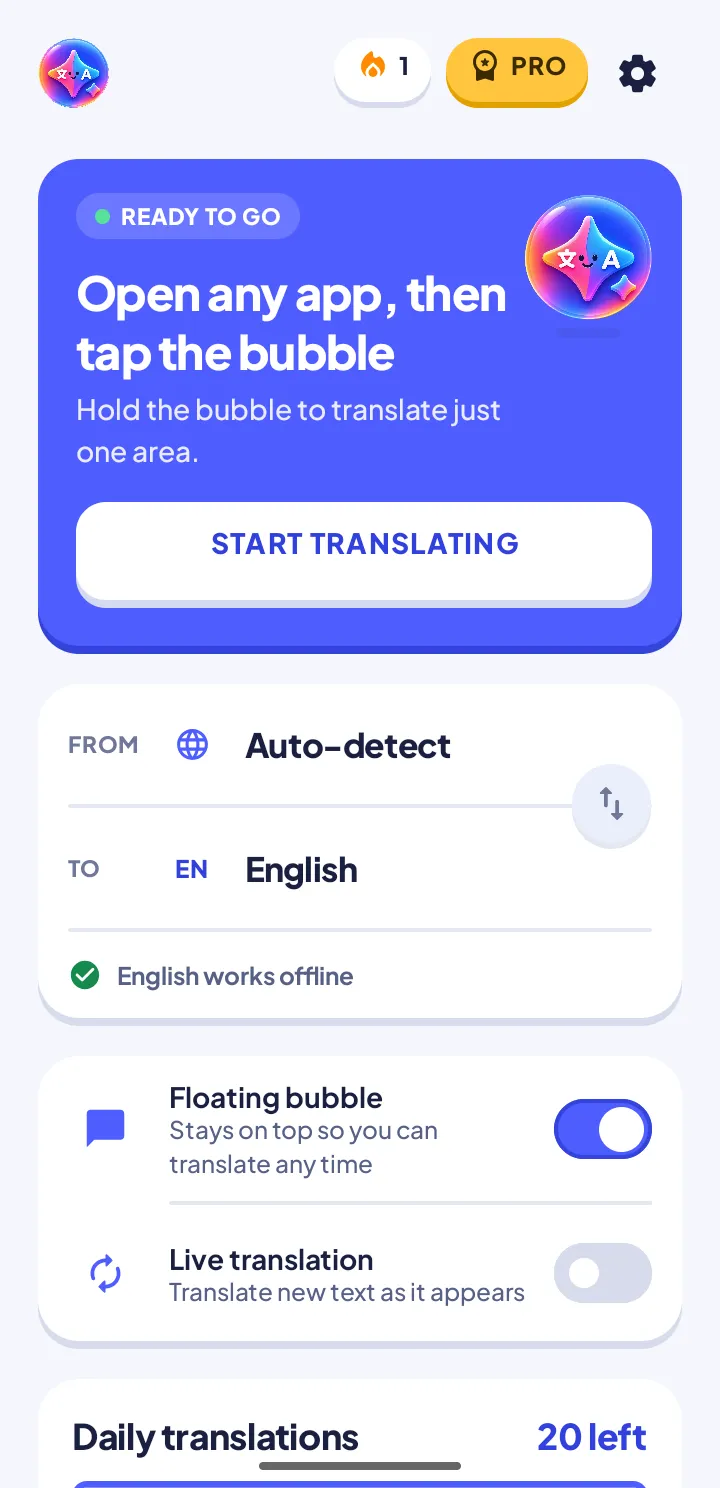
LingoLayer reads the text already on your display and paints the translation right on top — inside games, chat apps, websites, images and PDFs. No copy-paste. No switching apps.

- No account
- Works offline
- Nothing leaves your phone
- 59 languages
- 20 free a day, no ads
- 100% on-device
- 8.0+ Android version
Three ways to read it
One translator, three gestures. Pick whichever fits the moment — the bubble is always there, so you never leave what you were doing.
-
 Floating bubble
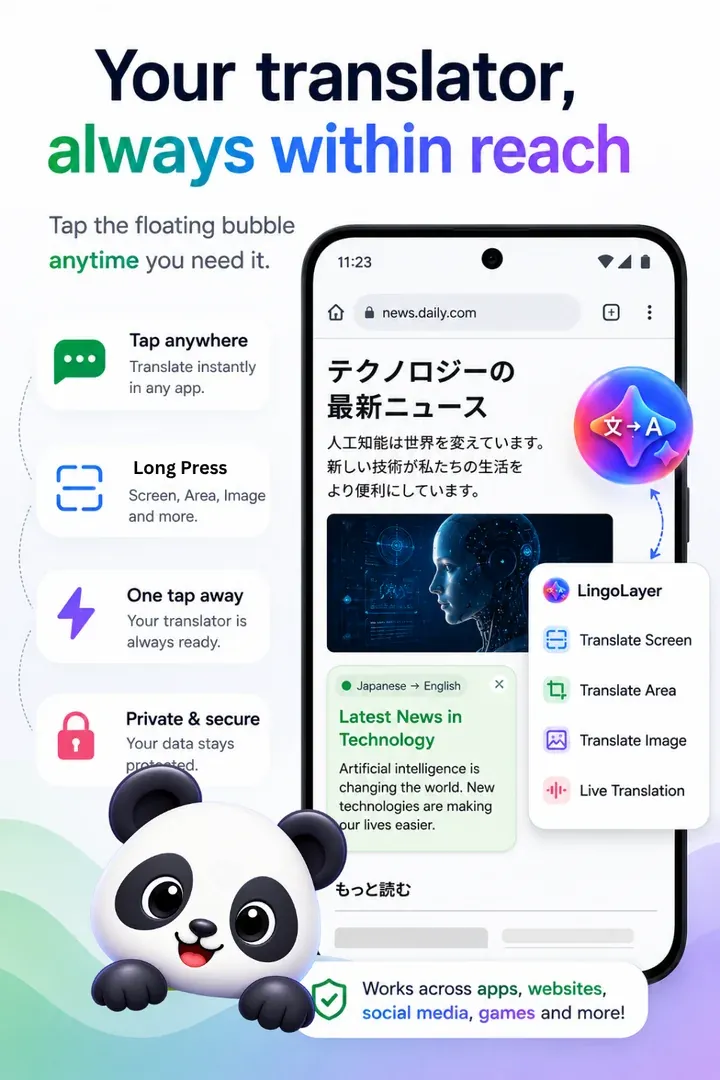
Tap the bubble and the screen you are already looking at gets translated.
-
 Area select
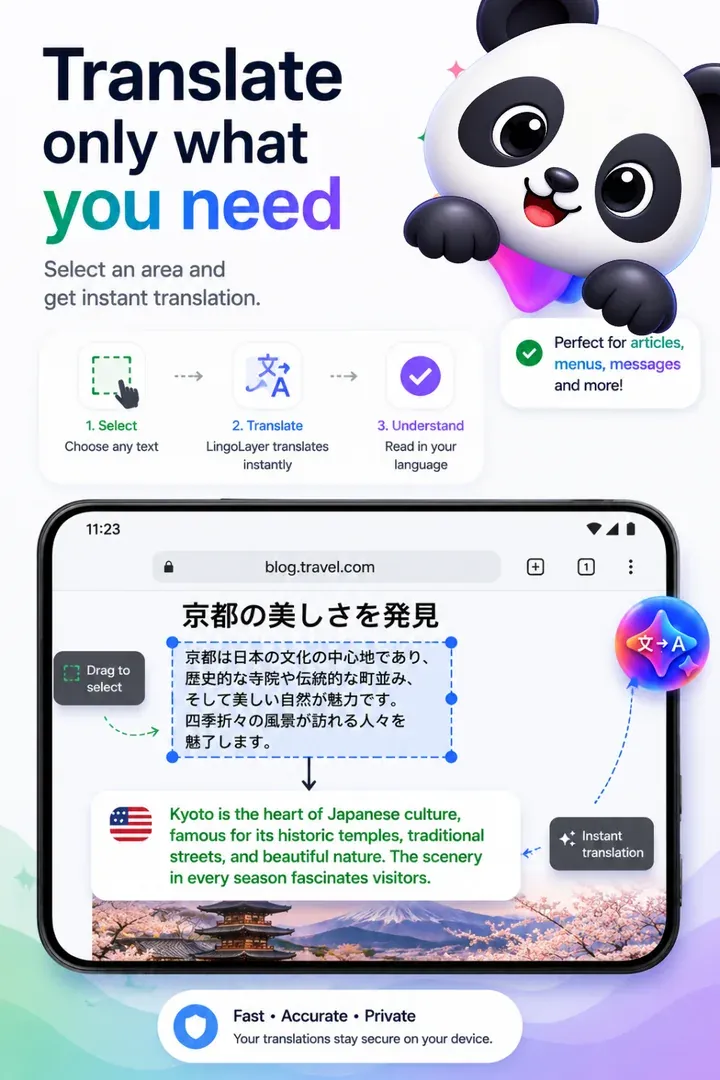
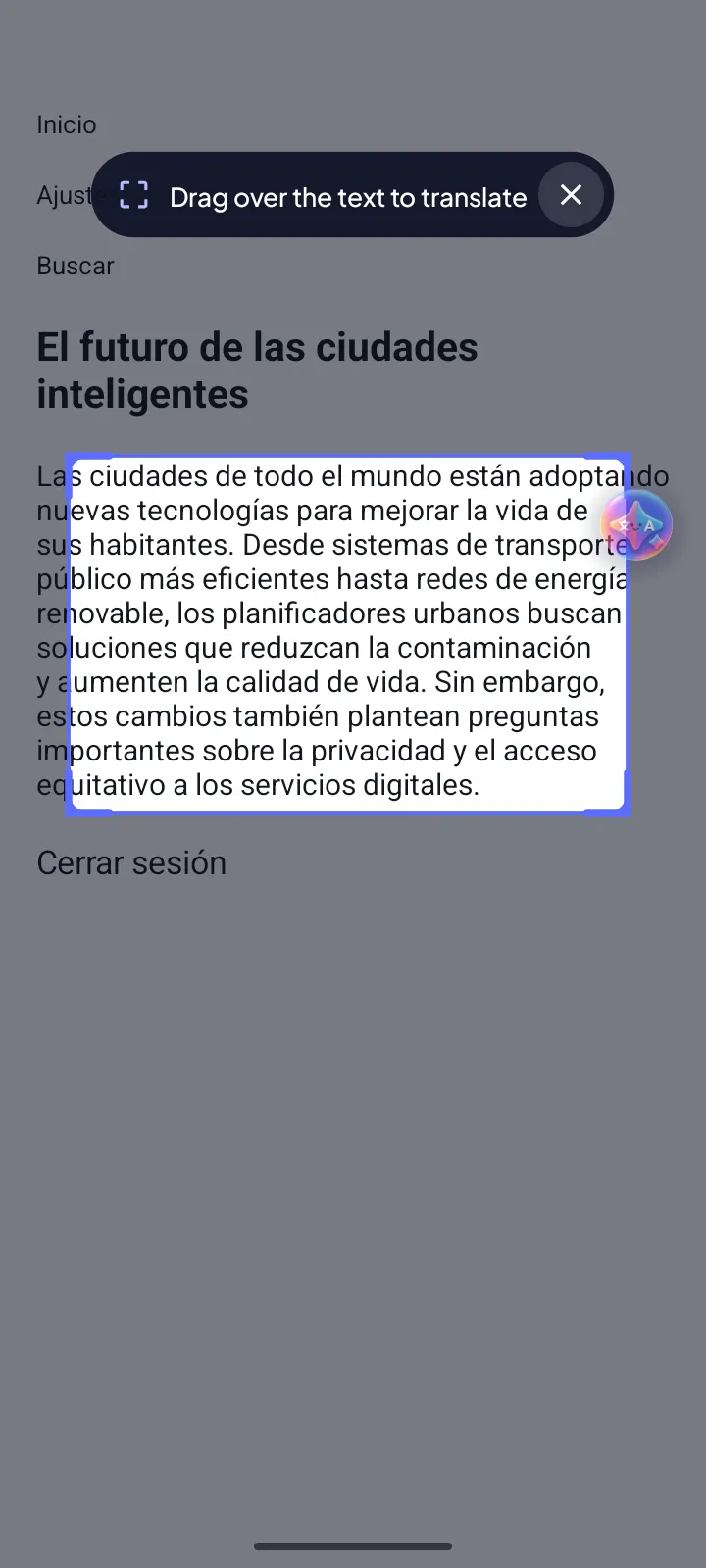
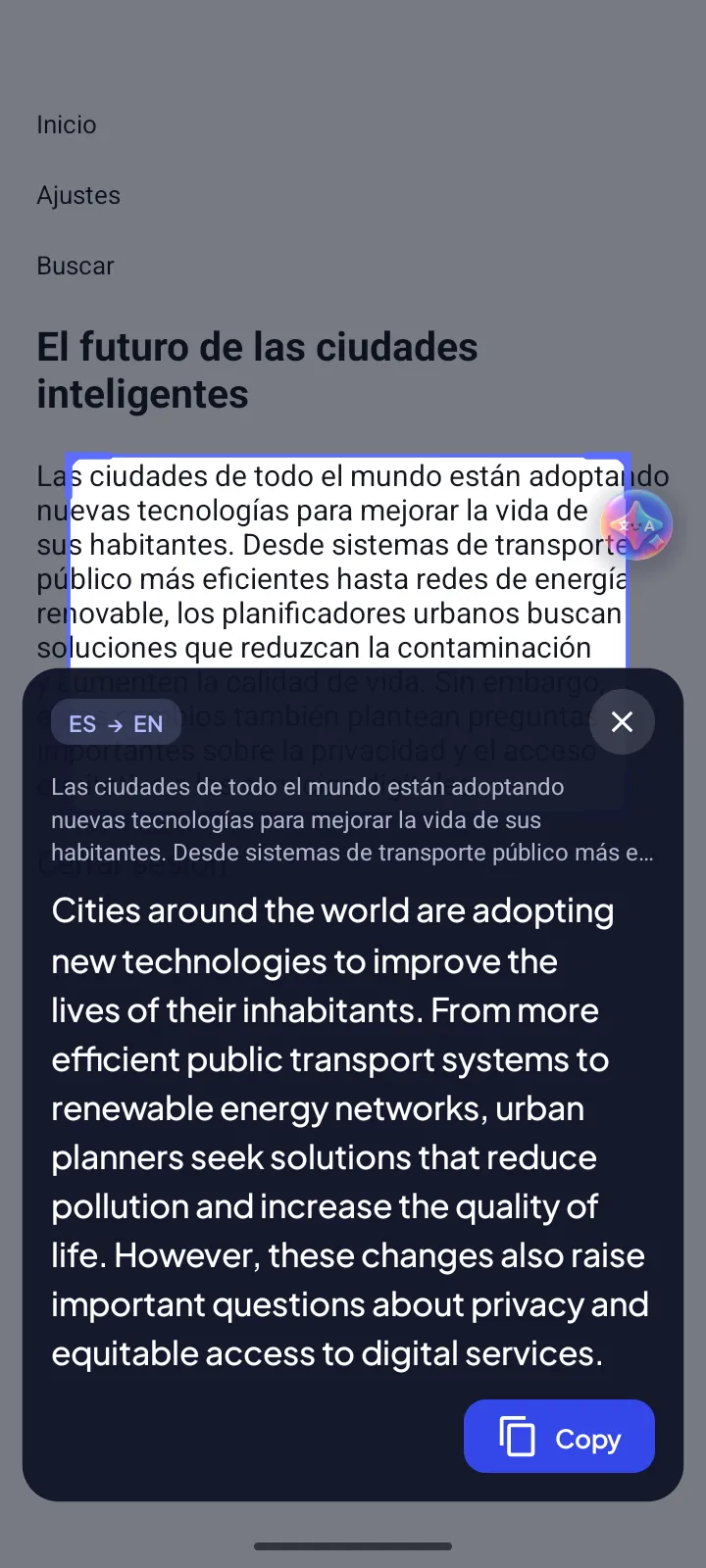
Hold and drag to translate one region — images and PDF pages included — then copy the result.
-
 Auto-translate
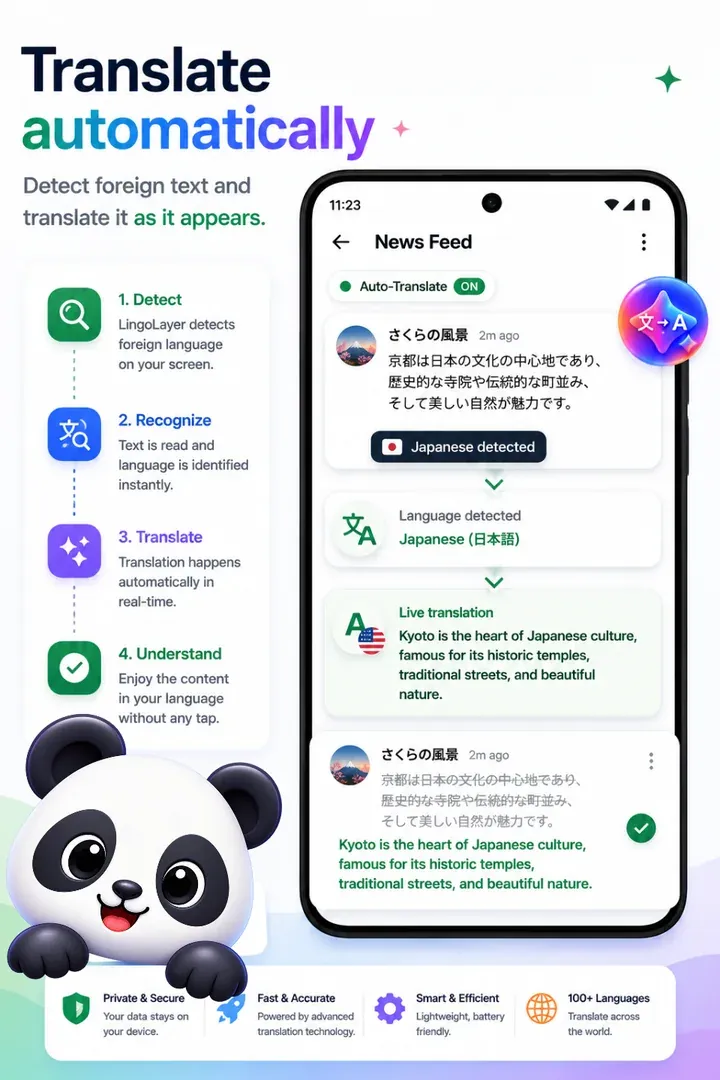
Switch auto-translate on and new text is translated as it appears while you scroll.
How it works
Set up once, then just tap
-
Enable once
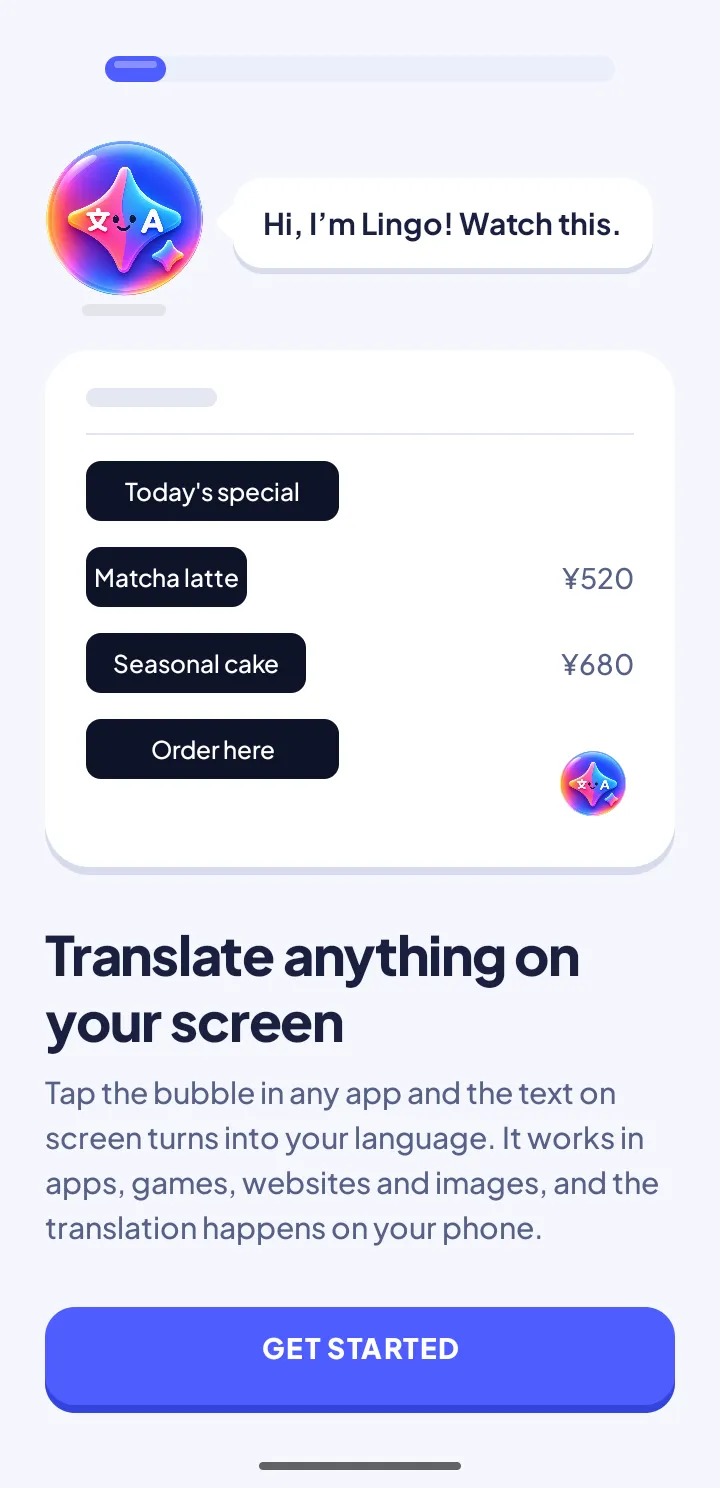
A short guided setup turns on the one permission it needs, the accessibility service. The bubble then appears over every app.
-
Tap or drag
Tap for the whole screen, or hold and drag over just the region you care about — images included.
-
Read it in place
The translation is drawn over the original text. Tune font size and overlay opacity whenever you like.
In the wild
Real screens, real text
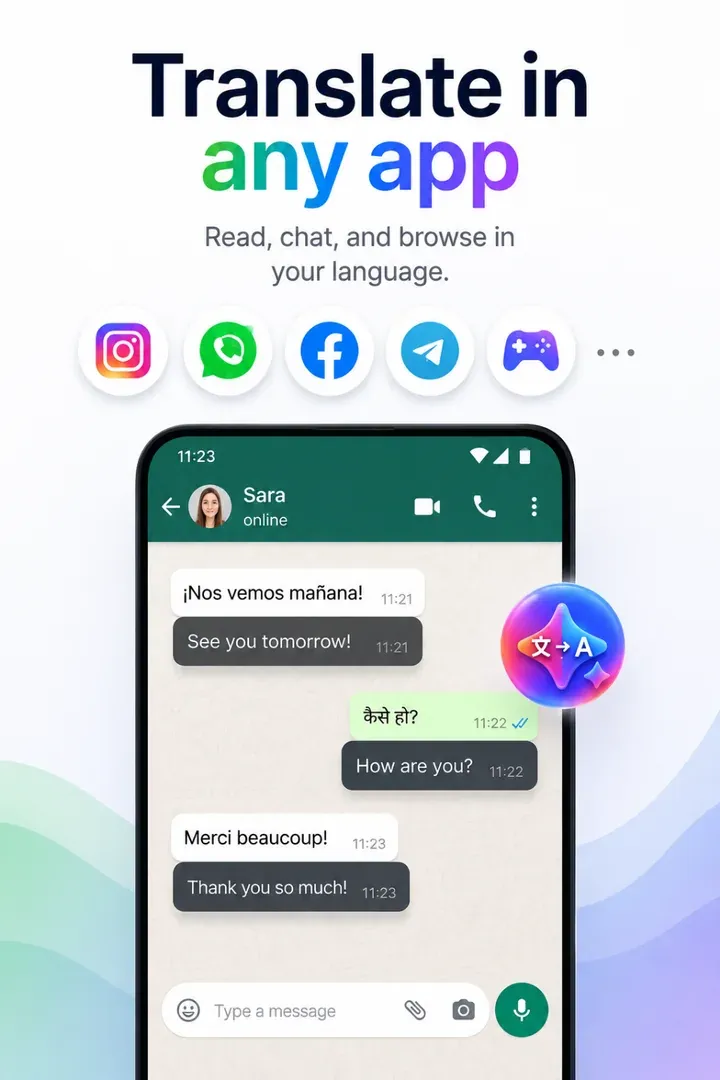
- Chat and messages
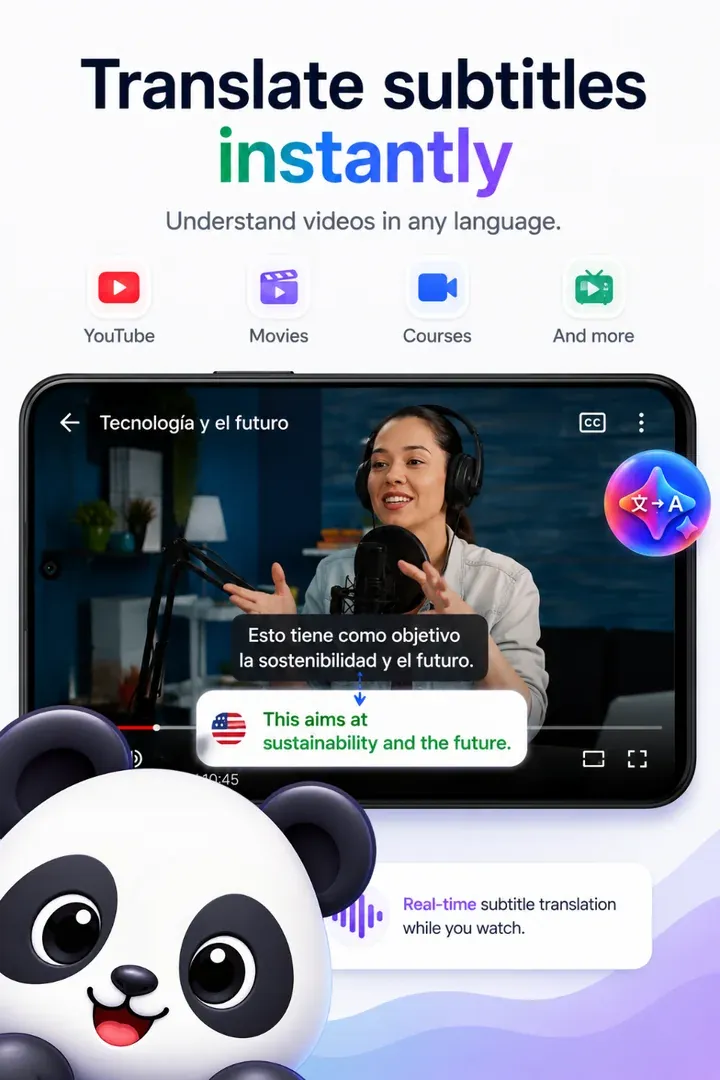
- Video subtitles
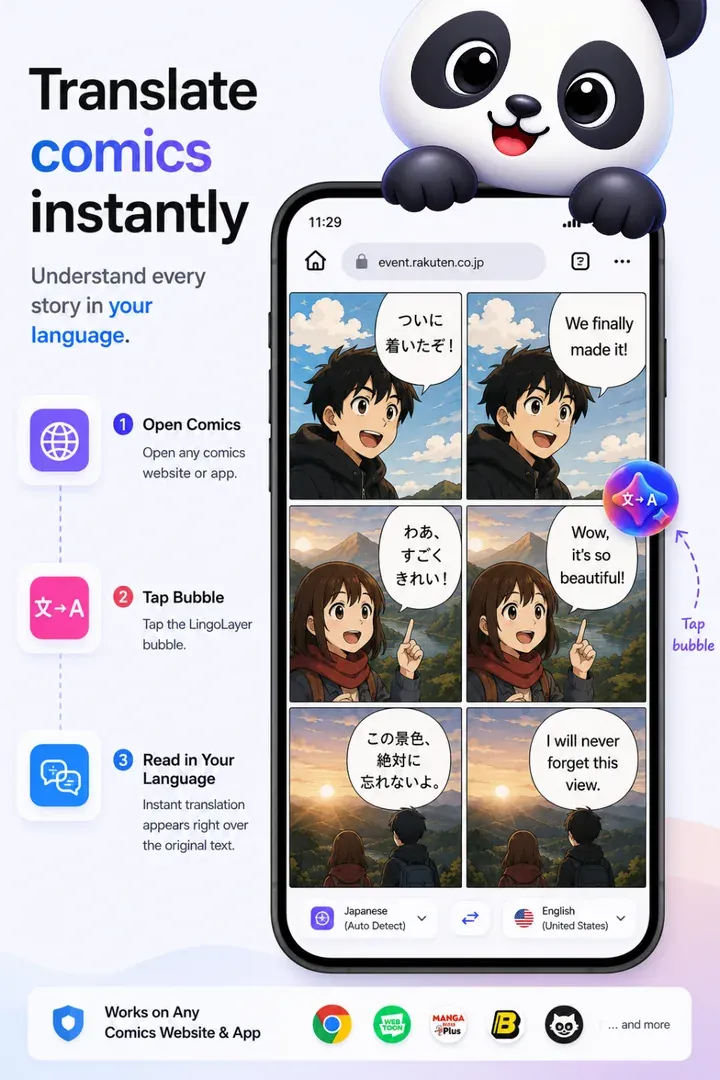
- Stories and comics
The app
A look inside
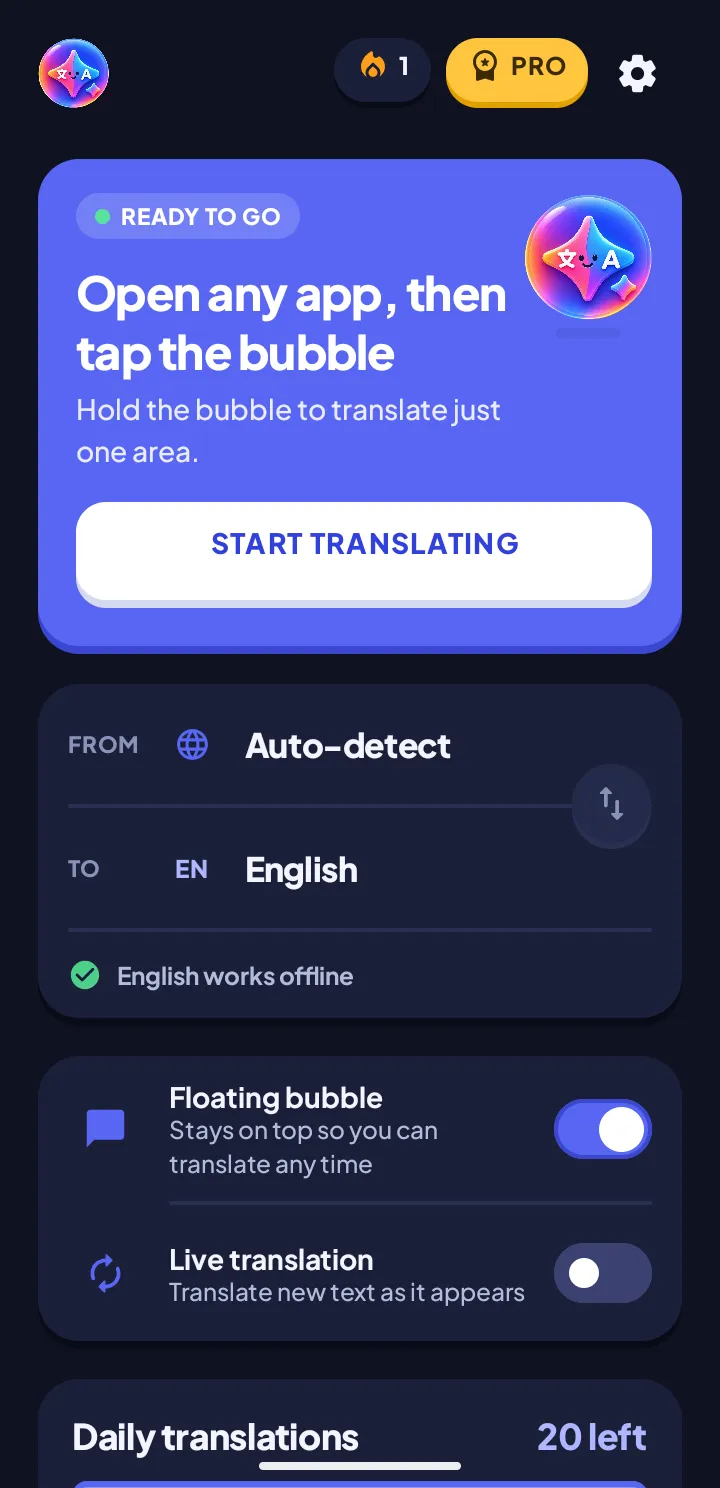
Setup takes one permission. Choose light or dark in Settings, and copy whatever you translate with area select.
- Guided setup
- Light or dark
- Translate, then copy
Where it works
If text is on your screen, LingoLayer can read it. It renders over whatever you have open — no export, no copy-paste, no second window.
- Games Foreign dialogue, quests and menus, translated where they appear.Overlay
- Chat apps Read messages in another language without leaving the conversation.Overlay
- Websites and social Posts, comments and articles while you scroll.Live
- Images and screenshots Text inside pictures is read with on-device OCR.OCR
- PDFs and documents Drag over a page and read it in your language.Area select
- Everyday apps Menus, forms, listings and travel apps.Overlay
Choose apps Switch the bubble and overlay off in the apps you pick — banking, anything private.
Languages
59 languages, detected for you
Source language is detected automatically, or pinned when you would rather be certain. Models download to your device, so translation keeps working with no connection.
- Auto-detect source language
- English English
- Español Spanish
- 中文 Chinese
- हिन्दी Hindi
- العربية Arabic
- Português Portuguese
- বাংলা Bengali
- Русский Russian
- 日本語 Japanese
- Français French
- Deutsch German
- 한국어 Korean
- Bahasa Indonesia Indonesian
- Türkçe Turkish
- Tiếng Việt Vietnamese
- اردو Urdu
- Italiano Italian
- ไทย Thai
- فارسی Persian
- Filipino Filipino
- Bahasa Melayu Malay
- +38 more in total
Privacy
The text you translate never leaves your phone
Translation runs on your device with on-device models. LingoLayer operates no translation servers, so there is nowhere for your screen text to go — and no account to create before you start.
- Processed locally Text is read and translated on the device itself.
- Works offline Download a language once and use it with no signal.
- No account Nothing to sign up for, nothing to log in to.
- Yours to switch off Turn the service off, or choose which apps it works in.
Plans
Free to use. Pro to go unlimited.
Every feature is on the free tier. The plan only changes how many translations you get each day, and whether you ever watch an optional video for more. Prices in USD; Google Play shows your local currency.
-
Free
$0 no ads needed
Everything unlocked — 20 translations a day
- 20 free translations a day, no ads needed
- +4 for each optional video you watch (up to 5 a day)
- All 59 languages and auto-detect
- Bubble, area select, live mode, images and PDFs
- Light and dark themes
- On-device, works offline
-
Pro monthly
$4.99 per month
Cancel anytime in Google Play
- Unlimited translations
- No videos to watch
- Everything in Free
-
Pro yearly
$29.99 per year
3-day free trialOnly $2.49/mo — save 50%
- Unlimited translations
- No videos to watch
- Everything in Free
- 3-day free trial, then $29.99 a year
-
Lifetime
$59.99 one time
Pay once, own forever
- Unlimited translations
- No videos to watch
- Everything in Free
- No subscription to manage
Free includes 20 translations a day with no ads. Each optional rewarded video adds 4 more, up to 5 videos a day (20 extra at most), with a 60-second pause between videos. Counts reset at midnight, your time. Purchases are handled by Google Play; see the terms of service.
Questions
Good to know
Do I need root or a custom ROM?
No. LingoLayer uses Android's standard accessibility service to read the text on your screen and to draw the translation on top of it. That is the only special access it asks for: there is no separate "display over other apps" permission to grant.
Does it work offline?
Yes. Language models are downloaded to your device, after which translation keeps working with no connection — handy on a plane or with a foreign SIM. Auto-download can be limited to Wi-Fi in Settings.
Is the text on my screen sent to a server?
No. Translation runs on your device with ML Kit and LingoLayer operates no translation servers. Free use needs no ads; the only ads are optional rewarded videos from Google AdMob that you choose to watch for extra translations. Pro removes them.
Which Android versions are supported?
Android 8.0 and newer. Reading text inside images and PDFs uses on-device ML Kit OCR, which needs Android 11 or newer.
How many languages can it translate?
59, including English, Spanish, Chinese, Japanese, Korean, Hindi, Arabic, Portuguese, French, German and more. The source language is detected automatically, or you can pin one.
How many translations do I get for free?
20 every day, with no ads needed, plus 4 more for each rewarded video you choose to watch — up to 5 videos a day, which adds at most 20. Everything resets at midnight. Pro makes it unlimited.
Do I have to watch ads?
No. The 20 daily translations are free with no ads. Watching a rewarded video is optional and only earns extra translations, and there is a 60-second pause between videos.
Does it have a dark mode?
Yes. LingoLayer starts in light mode. Choose Light, Dark or Auto, which follows your phone, in Settings under Appearance.
Can I copy a translation?
Yes. After translating a selected area, tap Copy on the result card to copy the translated text.
Can I switch it off in some apps?
Yes. Open Choose apps in Settings and switch off any app; the bubble and overlay stay out of the way there.